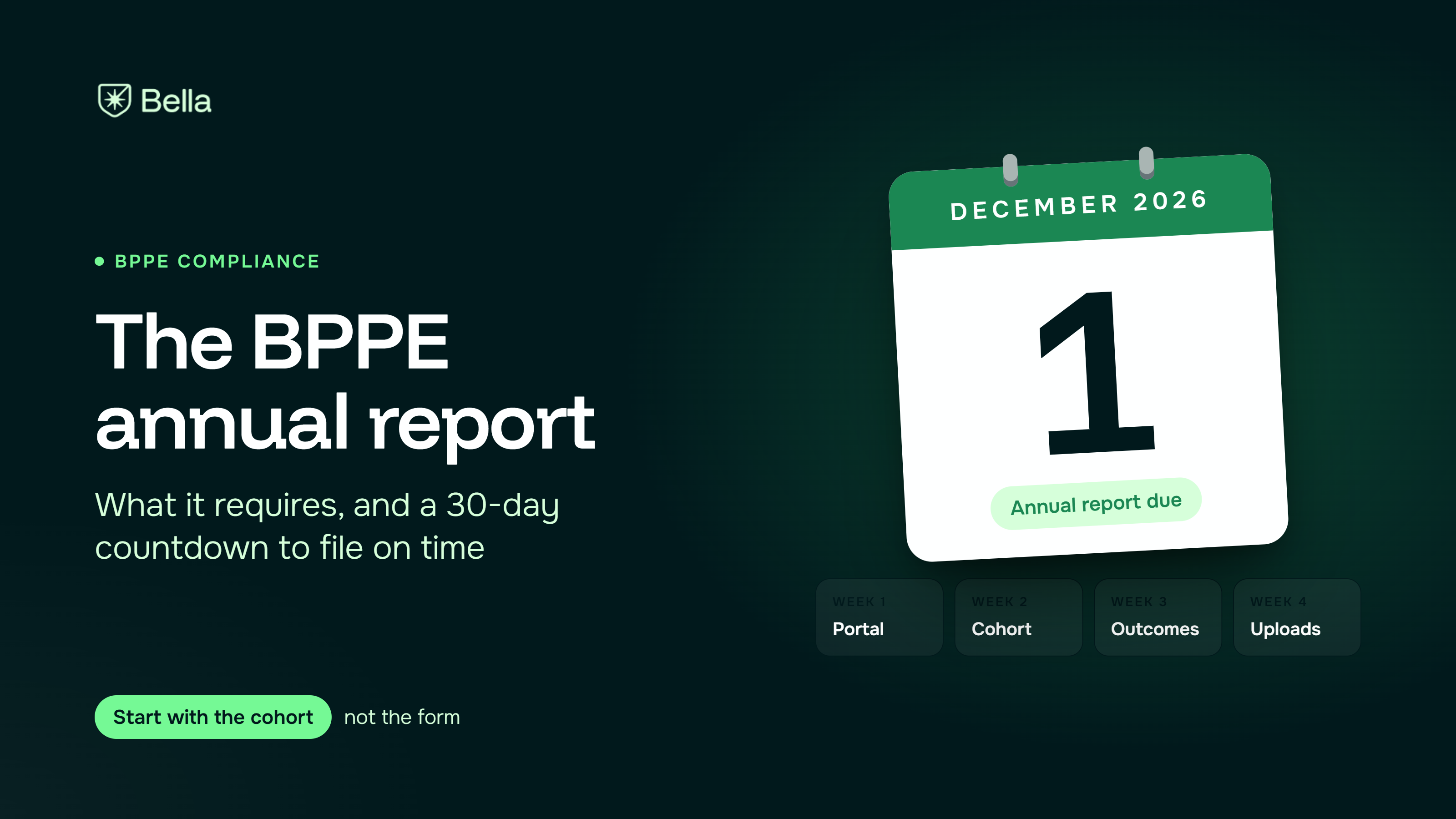
The 2025 BPPE annual report is due December 1, 2026. It asks for school-level data, a separate section for each program, and uploads of your catalog, enrollment agreement, and School Performance Fact Sheet. Most of the work is not typing. It is collecting data you should have been capturing all year, including placement, exam results, and salary. Here is what the report requires, which records feed each section, and where Bella helps.
Per BPPE's annual report page, private postsecondary institutions must submit an annual report with program costs, graduation rates, and post-graduation job placement rates. The portal for the 2025 report opened August 1, 2026, and reports are due December 1, 2026. BPPE publishes the data so consumers can compare schools.
The page also lists the working documents: the annual report notice, instructions, a School Performance Fact Sheet template, and a graduate identification data template.
BPPE's annual report instructions split the report into four sections. We read them as follows.
Section 1: institution. School name, address, ownership form, and branch and satellite counts. It asks whether you are current on Student Tuition Recovery Fund (STRF) assessments and annual fees, your accreditor, any final accreditor action, and the federal and state funds you received (Title IV, veterans' aid, Cal Grant, and others). It asks for enrollment totals, excluding students who cancelled during the cancellation period. You upload your School Performance Fact Sheet, catalog, and enrollment agreement.
Section 2: each program. One workflow per program. It asks for total charges, the percentage of students and graduates with federal loans, and these outcomes:
Sections 3 and 4: branches and satellites. One form for each, with location and program details.
Financial statements. The instructions say to submit a balance sheet, income statement, and cash flow statement, reviewed, audited, or compiled, in hard copy. They say not to submit drafts, tax returns, or bank statements. The instructions PDF is undated, so check the current form.
Under California Education Code 94892.6 and 5 CCR 74110, institutions report information on each graduate. BPPE's notice lists the data elements: first and last name, federal taxpayer identification number (or "not available"), date of graduation, and program details including SOC codes, program name, length, credential, and federal loan debt. After the first reporting year, you report students who graduated in the prior calendar year.
Four inputs need to be collected as events happen.
If any of these live in someone's memory, the report becomes guesswork.
The instructions also say your website homepage must carry a clear and conspicuous link to your most recent annual report, catalog, and fact sheet. Do not skip it.
If your school is outside California, use your state's reporting rules. If you hold an exemption from BPPE approval, check whether the report applies. This article is not legal advice.
Before you open the portal, build the list of students who began each program, and mark who finished on time. Every rate in the report grows from that list, and the gaps in it are the gaps in your year.
Frequently asked questions ordered by popularity. Remember that if the visitor has not committed to the call to action, they may still have questions (doubts) that can be answered.
Not at all. We’ll move your data and guide your team. You’ll be ready to go in days, not weeks.
Yes. Bella is built for vocational schools and stays updated with state and federal rules.
Bella is made to be simple. If you can check email, you can use it. And we’re here to help whenever you need.
It helps spot missing info, flags risks early, and reminds you of what’s due—without you having to dig.
Yes. Pricing scales with your size, and most schools save time and money within the first month.
Absolutely. Bella uses encrypted, secure hosting and is fully FERPA compliant.
Tips, checklists, and insights for school owners and admins, written in plain language, not tech speak.