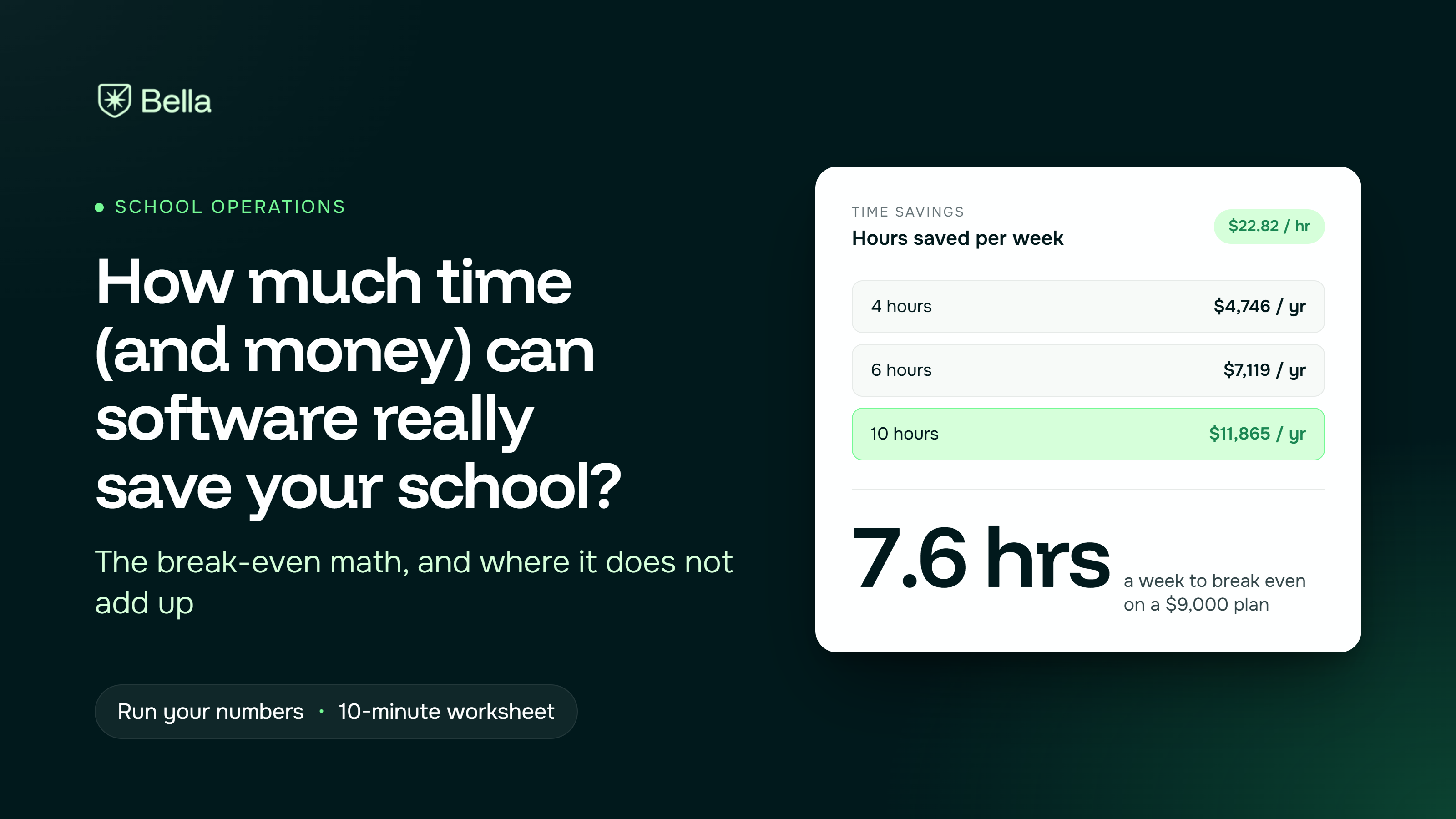
Customers who moved to Bella report saving 4 to 10 or more staff hours a week. At a $22.82 hourly rate, that is $4,700 to $11,900 a year in staff time.
Our entry plan costs $9,000 a year. So wage savings alone pay for the software only at about 7.6 saved hours a week, and a school saving less needs other value to justify it. Here is the math, and where the rest of the value comes from.
Three schools gave us numbers, and each measured differently.
These are estimates from three schools, not a benchmark. Your savings depend on how much of your work is re-entry today.
Here is how to turn saved hours into dollars. The formula is simple:
Saved hours per week × 52 × hourly staff cost = yearly time savings
We used the U.S. Bureau of Labor Statistics median pay for secretaries and administrative assistants, $47,460 a year as of May 2024. Dividing by a 2,080-hour work year gives about $22.82 an hour (our arithmetic, not a BLS-published rate). Swap in your own loaded cost, including payroll taxes.
Now set that against the price. On the plan prices in our published comparison, the Assistant plan is $750 a month, or $9,000 a year.
Dividing by $22.82 gives 394 hours, which is 7.6 saved hours a week. That is the break-even hour: the point where time savings alone cover the plan.
The honest reading: a school like South Bay, saving 4 to 6 hours, does not break even on wages alone at the Assistant plan. A school like Bakersfield, saving 10 or more, does, with about $2,900 to spare.
Wage math undercounts three things.
Enrollment capacity. South Bay saves about 30 minutes per enrollment. At 20 enrollments a month, that is 10 hours a month, or 120 hours a year, worth about $2,700. The bigger gain is what staff do with the time, such as following up with applicants.
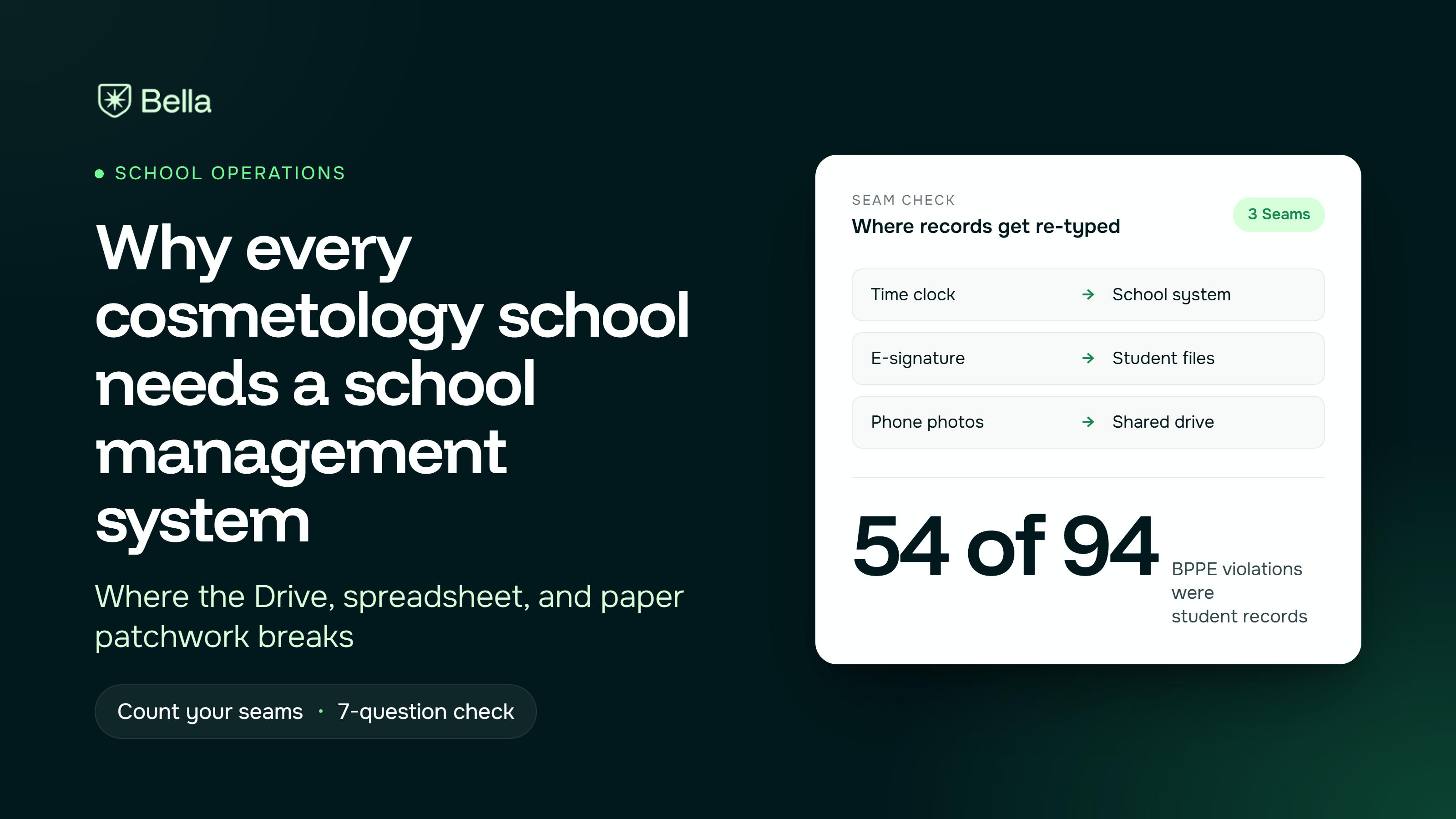
Citation and rework risk. In BPPE citation data from July through December 2025, student record issues were 54 of 94 total violations, with fines of $1,001 to $2,501 per violation, per our own analysis of that data. A single violation across several deficient files can cost more than a month of software. We cannot promise your school avoids any, but missing documents are what the system flags.
Fees you stop paying. Our comparison of school systems says competitors typically charge $1,000 to $5,000 for data migration and $1,000 to $2,000 for fingerprint kiosks, and that Bella includes migration and uses an iPad kiosk.
Fill in your own numbers.
If the total beats the yearly cost, the numbers support a demo. If not, fix the biggest re-entry task first, then revisit.
Run the worksheet this week, and bring the totals to any vendor call, ours included. A good vendor can walk through your numbers and tell you honestly whether they work. If a rep will not, that is useful information too.
Want us to run your break-even numbers with you? Book a demo and bring your task list.
Frequently asked questions ordered by popularity. Remember that if the visitor has not committed to the call to action, they may still have questions (doubts) that can be answered.
Not at all. We’ll move your data and guide your team. You’ll be ready to go in days, not weeks.
Yes. Bella is built for vocational schools and stays updated with state and federal rules.
Bella is made to be simple. If you can check email, you can use it. And we’re here to help whenever you need.
It helps spot missing info, flags risks early, and reminds you of what’s due—without you having to dig.
Yes. Pricing scales with your size, and most schools save time and money within the first month.
Absolutely. Bella uses encrypted, secure hosting and is fully FERPA compliant.
Tips, checklists, and insights for school owners and admins, written in plain language, not tech speak.