Beauty school compliance software is a school management system that tracks what your accreditor and regulators audit: outcome rates, student progress, student files, and deadlines, not just scheduling and billing. For a school accredited by the National Accrediting Commission of Career Arts and Sciences (NACCAS), the real test is whether your system can reproduce NACCAS's graduation, placement, and licensure math before NACCAS does. If you get the cohort wrong by a few students, a school that looks safe on its own dashboard can land on Low Outcomes Monitoring.
This guide is for owners, directors, and compliance staff at NACCAS-accredited cosmetology, esthetics, and barber schools who are comparing software. If you are still deciding whether to pursue accreditation, start with our NACCAS accreditation roadmap.
NACCAS measures three outcome rates for a single cohort of students. Each rate is one item on the annual report worksheet divided by another: graduation is Item 2 over Item 1, placement is Item 4 over Item 3, and licensure is Item 6 over Item 5.
Each denominator is a different group of students. Software that shows a single "success rate" isn't using NACCAS methodology.
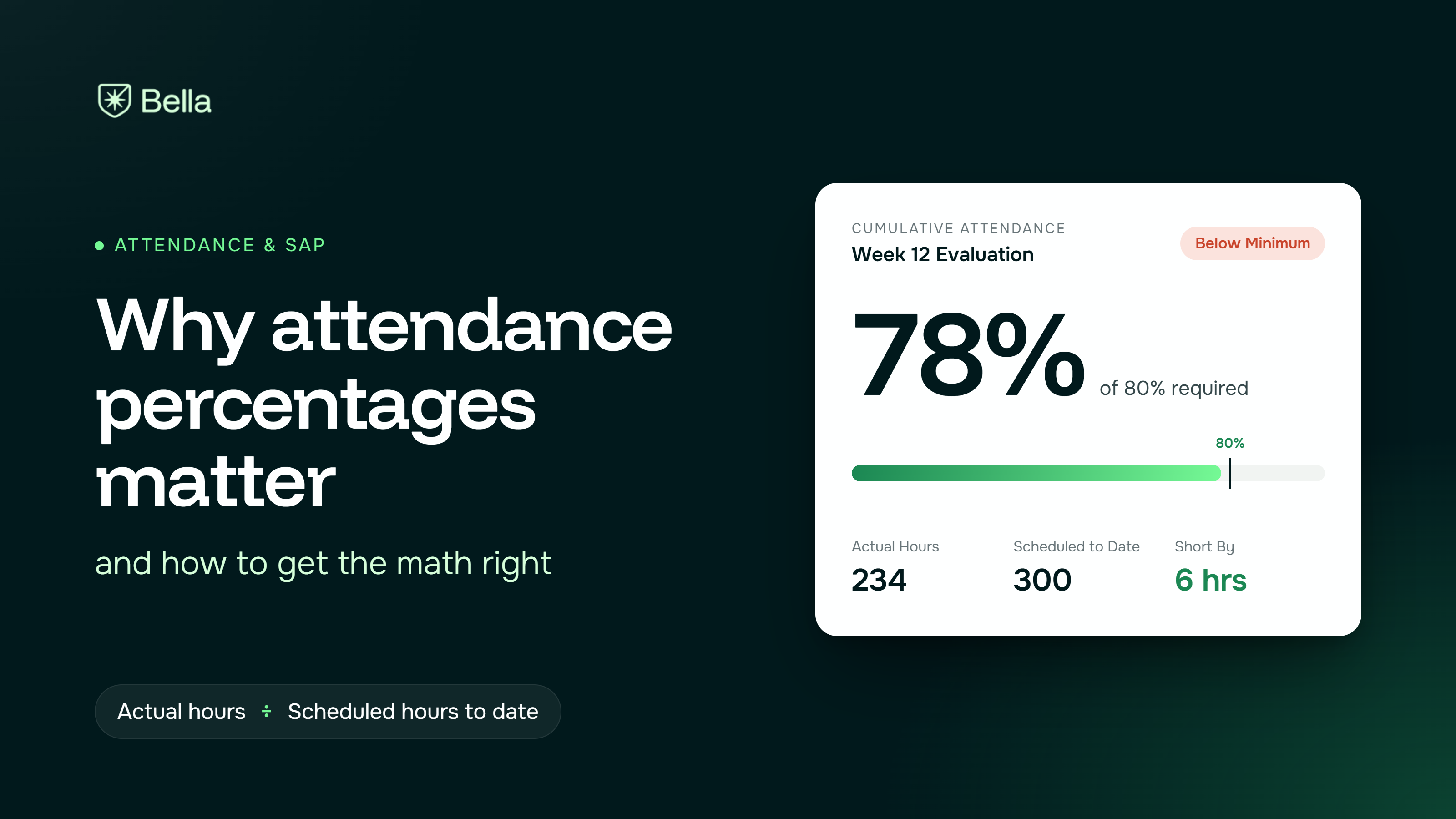
No, they measure different things. The 70% licensure benchmark is a cohort rate: the share of a graduating class's test-takers who passed. SAP is a per-student standard: a student is in good standing at a scheduled checkpoint when grades are above 70% and attendance is above 67%.
The 67% attendance minimum comes from the maximum time frame. Students must finish within 150% of the program's published length, and 100 ÷ 150 = 66.7%. On a 1,600-hour cosmetology program, that means a maximum of 2,400 scheduled hours.
If your school participates in Title IV, federal guidance also says clock-hour programs evaluate SAP at the end of each payment period, with a maximum time frame of 150%. Check that your checkpoint schedule lines up with your payment periods.
SAP is your early warning for outcome rates. A student who fails checkpoints is unlikely to graduate by the November 30 cutoff. Unless an exclusion applies, that student still counts in your cohort's denominator.
Say 80 students at your school had contract graduation dates in 2025. Six of them dropped inside the early-withdrawal window, so your cohort is 74.
Now suppose your system never applied the exclusions. Graduation becomes 41 ÷ 80 = 51.3%, and your 4-student margin shrinks to 1.
The point most explainers skip: each student is worth 1 ÷ your denominator. At 36 test-takers, one student moves your licensure rate by 2.8 points. Small schools swing hard, so the question isn't "what is our rate?" but "how many students stand between us and the line?" In this example, two more licensure passes keep the school off monitoring. That's a list of names your staff can work through this month.
The exclusion rules also change over time. The same vendor's guide for 2021 data excluded students in programs of 899 hours or less only if they dropped within 15 days. Software built on old rules will quietly miscount.
NACCAS publishes its actions in "At the Same Time" notices. Here are four examples:
Common mistakes behind these flags:
Ask every vendor to demonstrate these six capabilities live, using your data.
We have not tested competitors' systems. The notes below come from their public pages (as of October 18, 2026), and we have not independently verified them.
Bella is a school management system for beauty and barber schools. Students clock in with a personal PIN on an iPad kiosk, hours calculate automatically, and missed clock-outs are flagged the same day. Every enrollment document lives in the student profile, and administrators can see at-risk students and students close to graduation. Its limits: SAP reports are still in development, and it doesn't calculate financial ratios. Christopher Colter, founder of Oakland Barber Academy, said of an inspection: "Everything was organized and we gave them what they needed."
Fame's barber school page lists NACCAS and IPEDS reporting, SAP updates, and R2T4 and refund computations, with pricing starting at $495 per month for 50 enrollments, excluding taxes and implementation. Fame says it configures and installs the software and trains staff.
SMART publishes a NACCAS guide for 2025 reporting that lists the profile fields schools must enter correctly, including start dates, drop codes, license exam dates, and actual graduation dates. That guide also makes a point that applies to every system: the report is only as accurate as the data your staff enter.
We could not find public documentation of NACCAS or SAP reporting for either system. Ask both vendors for a sample annual report worksheet and a sample SAP evaluation generated from demo data.
Software can't produce audited financial statements. That is your CPA's job, and missing it has cost schools their accreditation. Software can't verify a placement your staff never called to confirm, and it can't fix records that were never collected.
In our own analysis of California Bureau for Private Postsecondary Education (BPPE) citations to barber and beauty schools from July to December 2025, student record violations made up 54 of 94 total violations (57%), with fines of $1,001 to $2,501 per violation. Our guide to managing student records to avoid citations covers the fixes.
Bella keeps attendance, enrollment documents, and student status in one profile, so the dates NACCAS counts are entered once and stay producible at inspection. Same-day missed clock-out flags keep hours accurate before they reach a report or a SAP checkpoint. Until our SAP reports ship, SAP calculations may need work outside Bella. See beauty and barber school management software for the full feature list.
NACCAS judges your school on three cohort rates, each with its own denominator, counted to a fixed cutoff. SAP judges each student at every checkpoint, and it's where you can still change the cohort's outcome. Choose software that shows you both, and calculate your rates this week whatever system you use. As JC Rivas, Chief Operational Officer at Moler Barber & Cosmetology Colleges, put it: "Most successful schools don't prepare for a visit because one is coming up. They operate that way every day."
If you want student files and hours that hold up at inspection, book a Bella demo.
NACCAS-accredited schools must meet minimums of 50% graduation, 60% placement, and 70% licensure exam pass rate. The rates are calculated for a cohort of students scheduled to graduate in one calendar year, after early withdrawals are excluded. The licensure rate counts only graduates who sat for all parts of the exam.
A student at a NACCAS-accredited school is in good standing at a SAP checkpoint when grades are above 70% and attendance is above 67%. Students must also finish within 150% of the program's published length, which is where the 67% attendance minimum comes from (100 ÷ 150 = 66.7%). Students who fail a checkpoint can move to warning, probation, or dismissal under the school's SAP policy.
Some systems can. Fame and SMART publicly document NACCAS report support, while Bella focuses on attendance and student records and is still building its SAP reports. Any system's rates are only as accurate as the graduation dates, drop codes, and exam dates your staff enter.
NACCAS can place the school on Low Outcomes Monitoring under Standard I. Financial problems fall under Standard VII and can lead to financial monitoring. Failing to submit audited financial statements has led to withdrawal of accreditation.
Frequently asked questions ordered by popularity. Remember that if the visitor has not committed to the call to action, they may still have questions (doubts) that can be answered.
Not at all. We’ll move your data and guide your team. You’ll be ready to go in days, not weeks.
Yes. Bella is built for vocational schools and stays updated with state and federal rules.
Bella is made to be simple. If you can check email, you can use it. And we’re here to help whenever you need.
It helps spot missing info, flags risks early, and reminds you of what’s due—without you having to dig.
Yes. Pricing scales with your size, and most schools save time and money within the first month.
Absolutely. Bella uses encrypted, secure hosting and is fully FERPA compliant.
Tips, checklists, and insights for school owners and admins, written in plain language, not tech speak.